Role
UI Designer
Tools
Figma, Miro, pen & paper.
Timeline
3 weeks (2025).
Project Overview
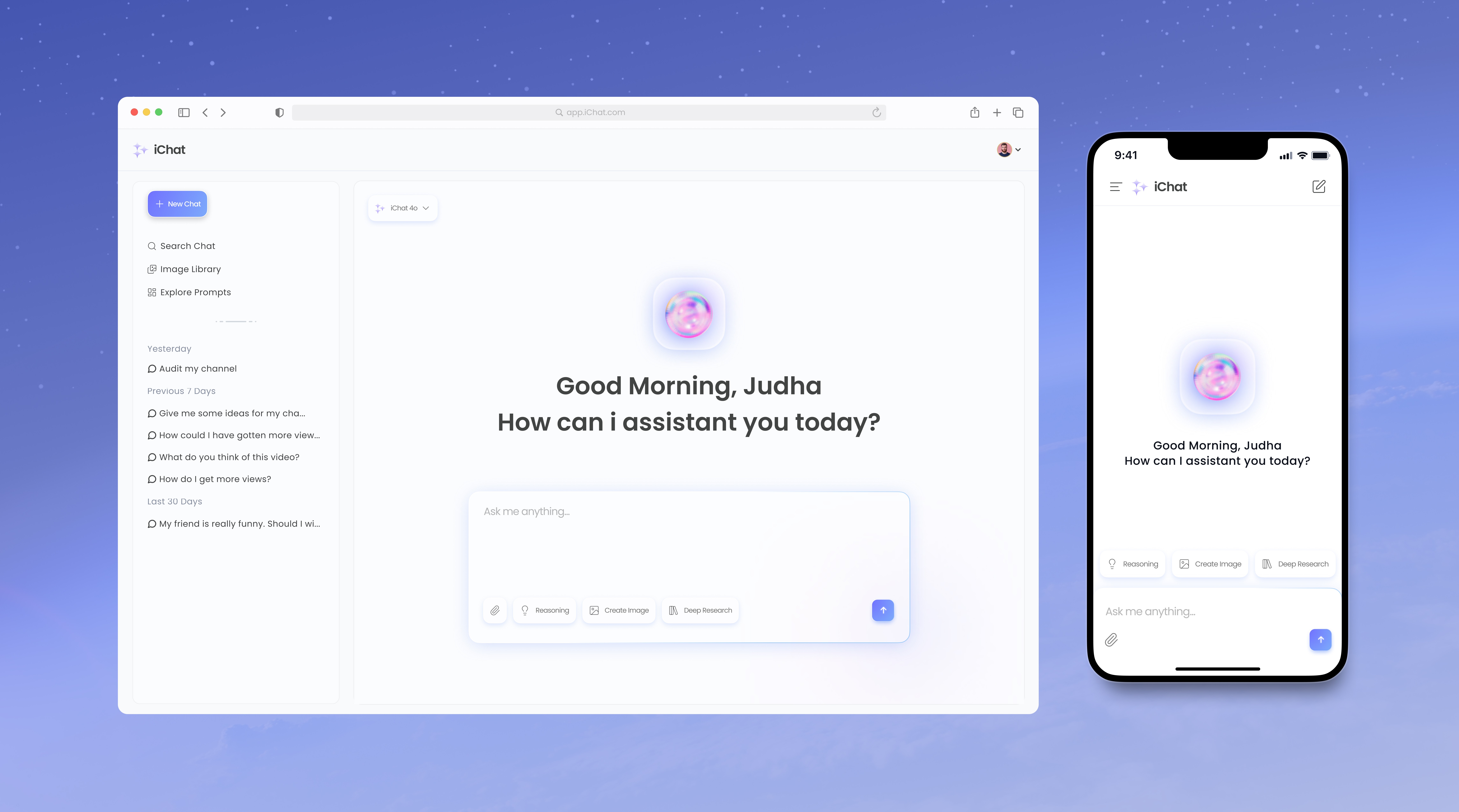
iChat is an AI-powered chatbot platform designed to facilitate seamless, real-time communication via text.
Contribution
User flows. User persona. UI. Web & mobile screens. Design system.
Project Goals
Build an online chatbot UI for desktop and mobile.
Create a clean, modern, minimal interface using blue and purple color scheme.
Improve user accessibility with responsive design and visual cues.
Build a reusable design system.
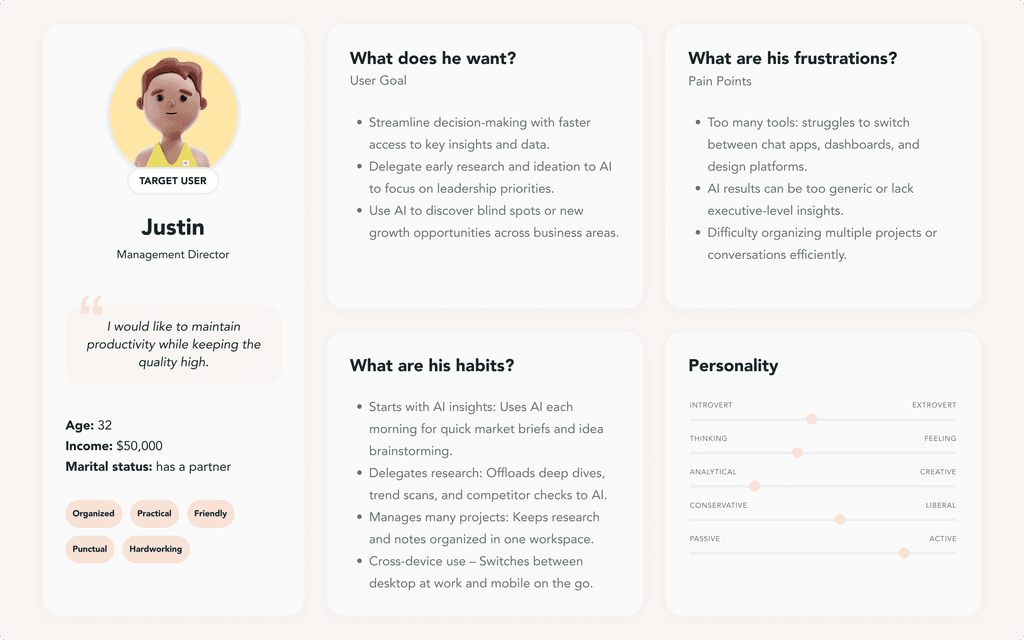
User Persona
Refined feature set based on user needs and design iterations
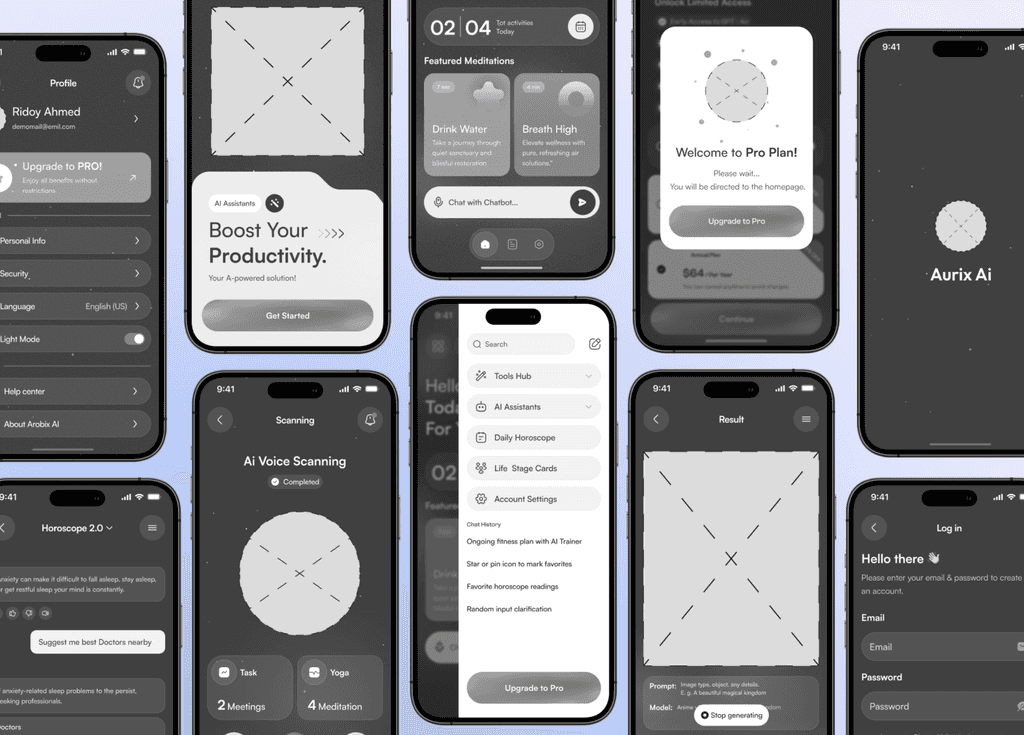
User Flow & Wireframes
Refined feature set based on user needs and design iterations
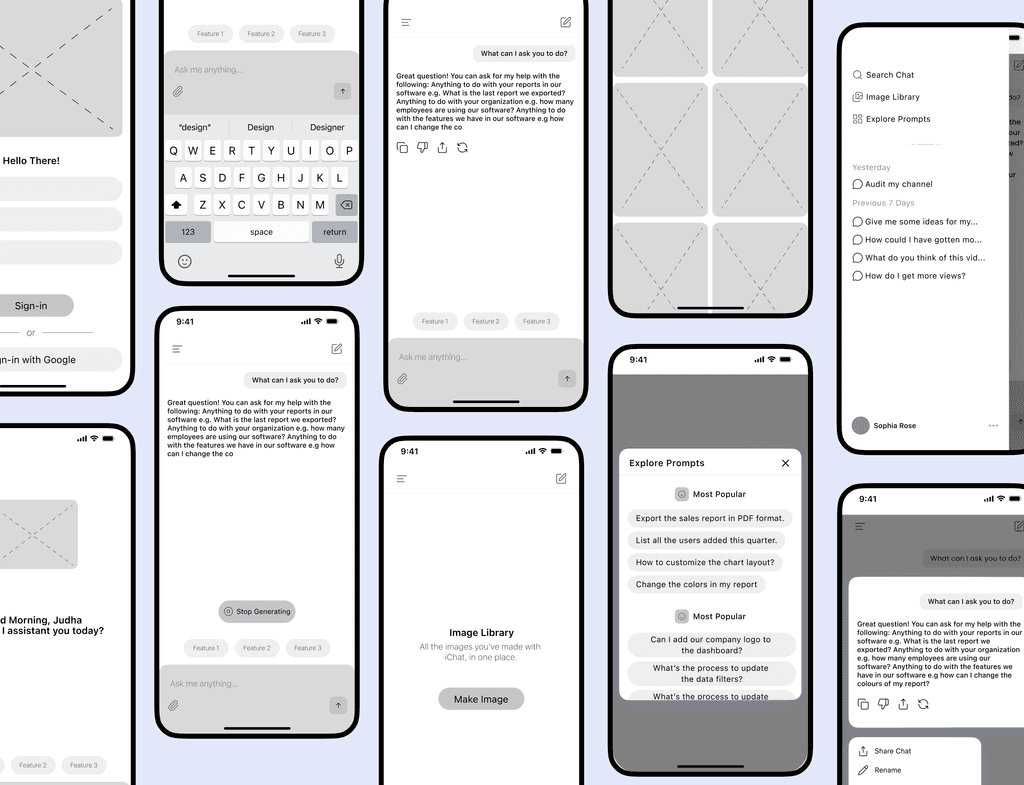
UI Design:
Refined feature set based on user needs and design iterations
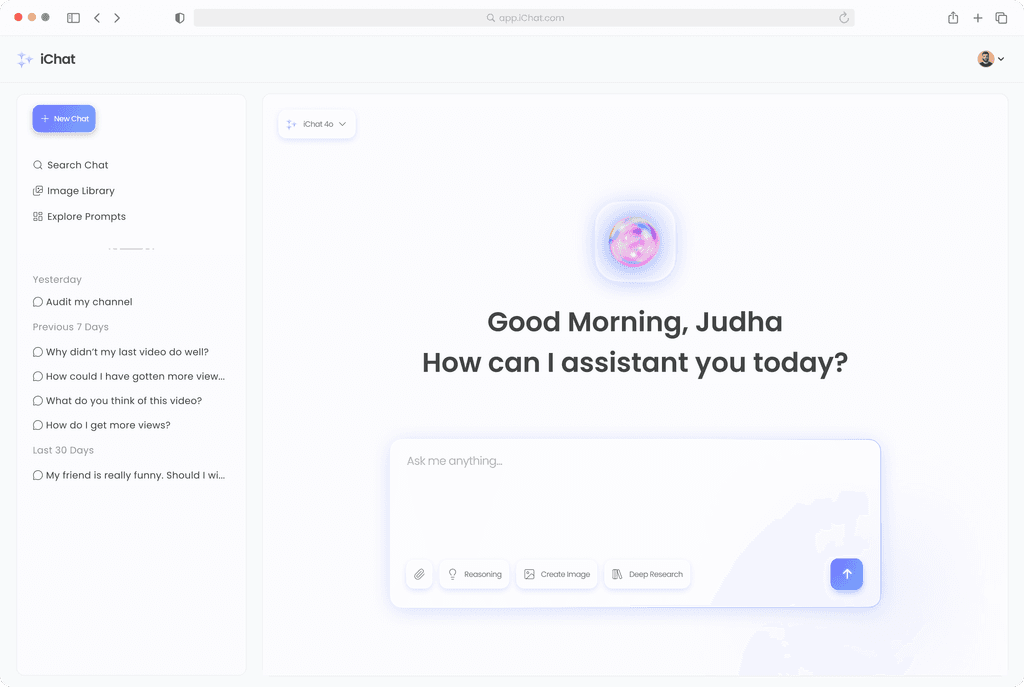
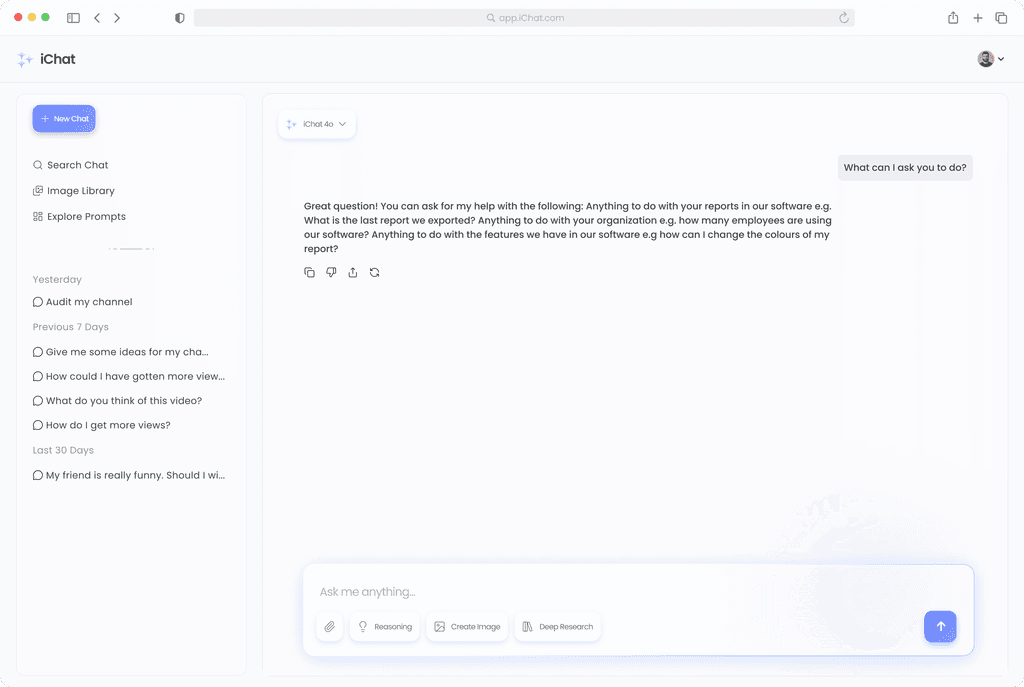
Homepage:
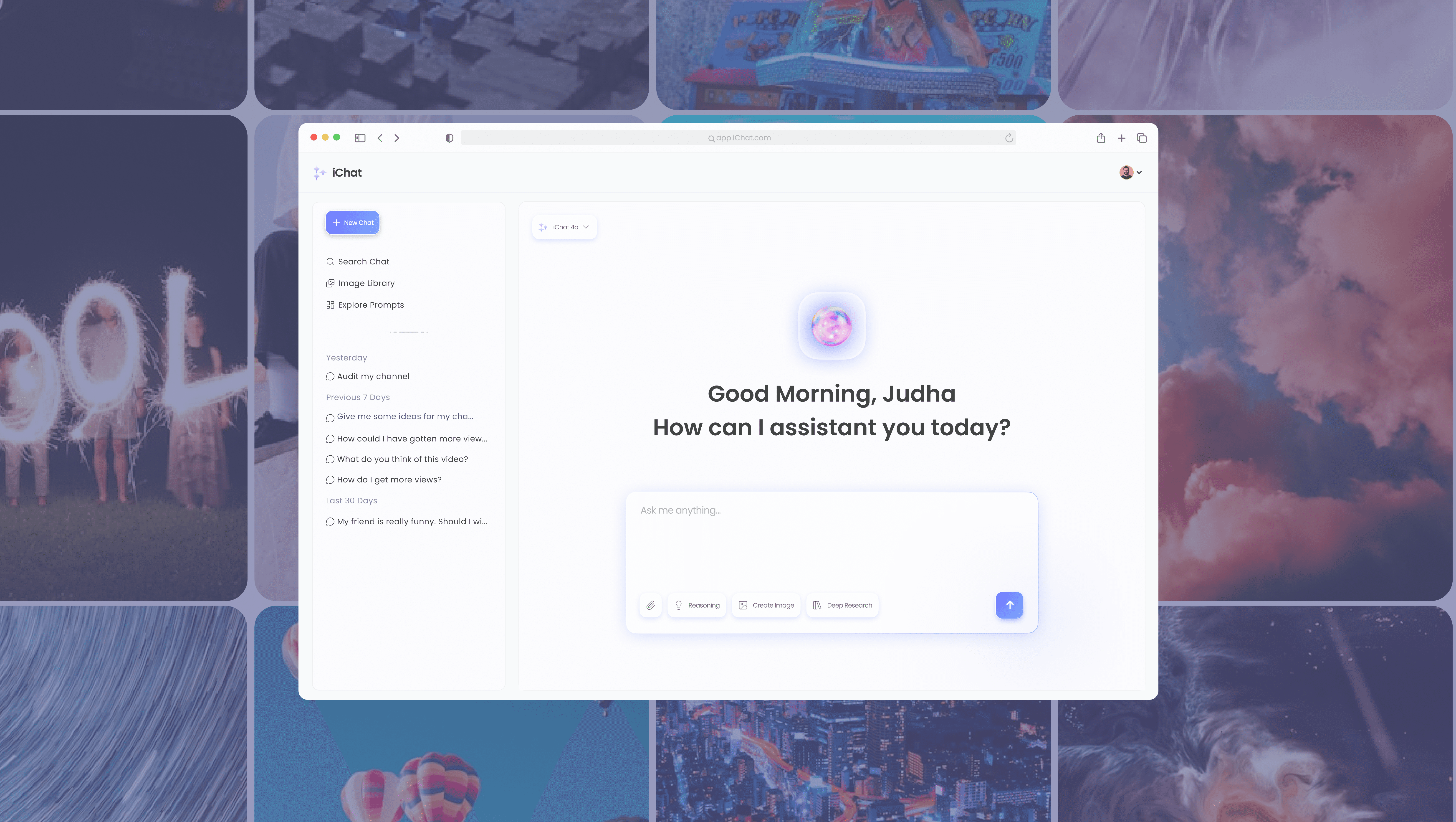
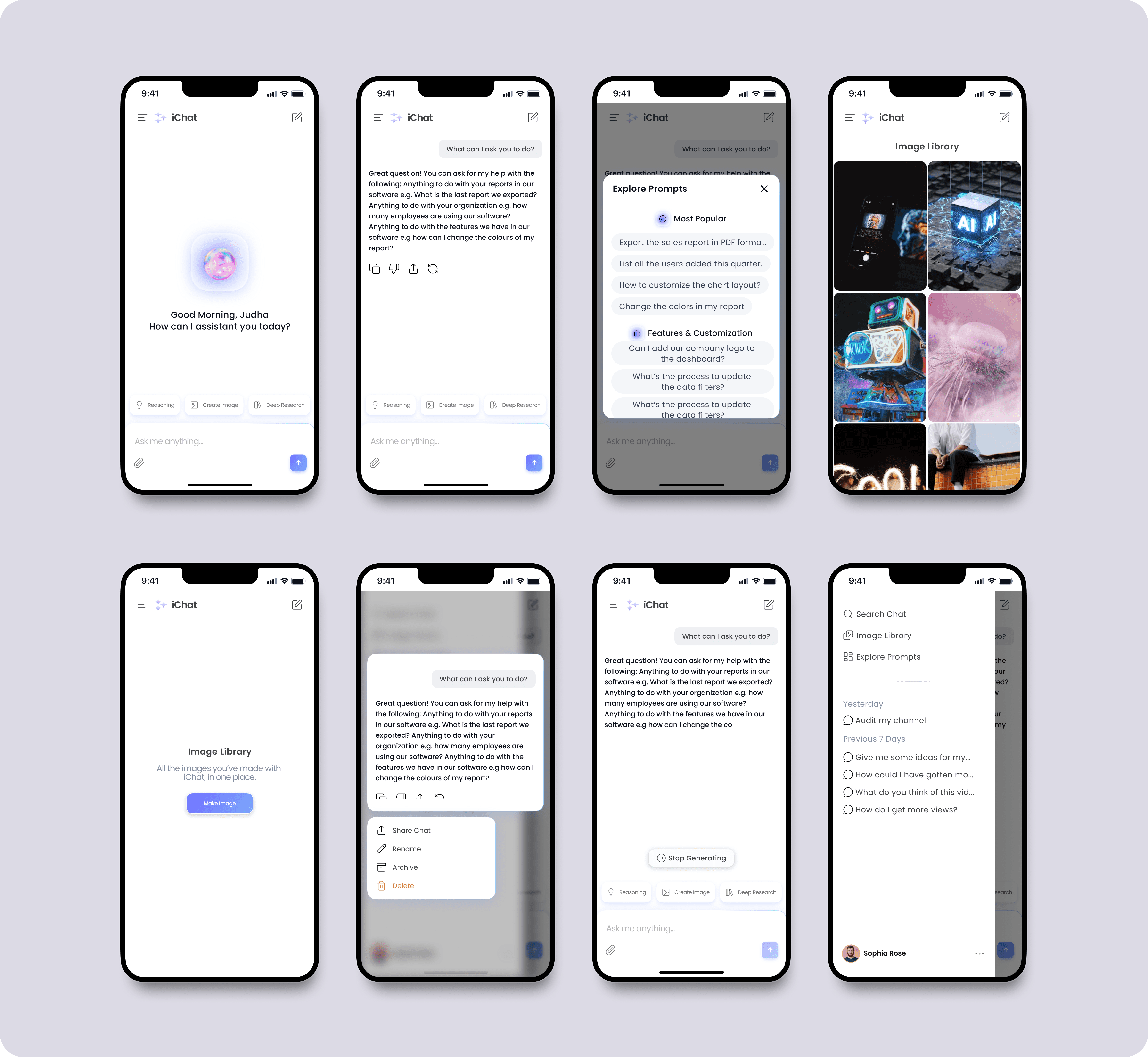
Users can start a new chat or select predefined actions like Reasoning, Create Image, or Deep Research. The left panel displays recent chats, allowing users to easily revisit past conversations.
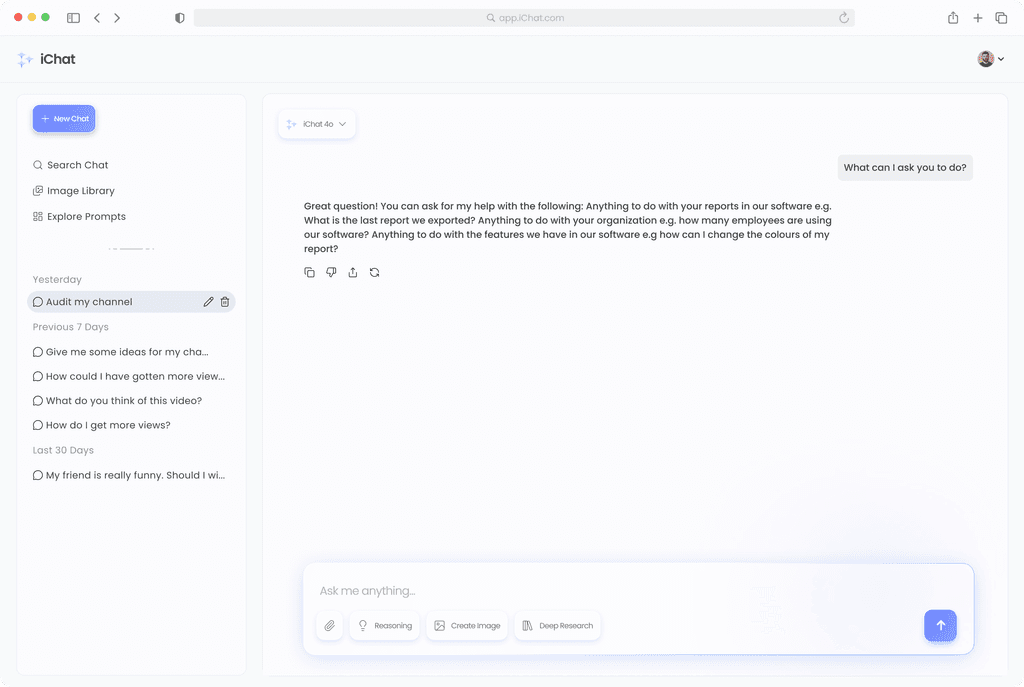
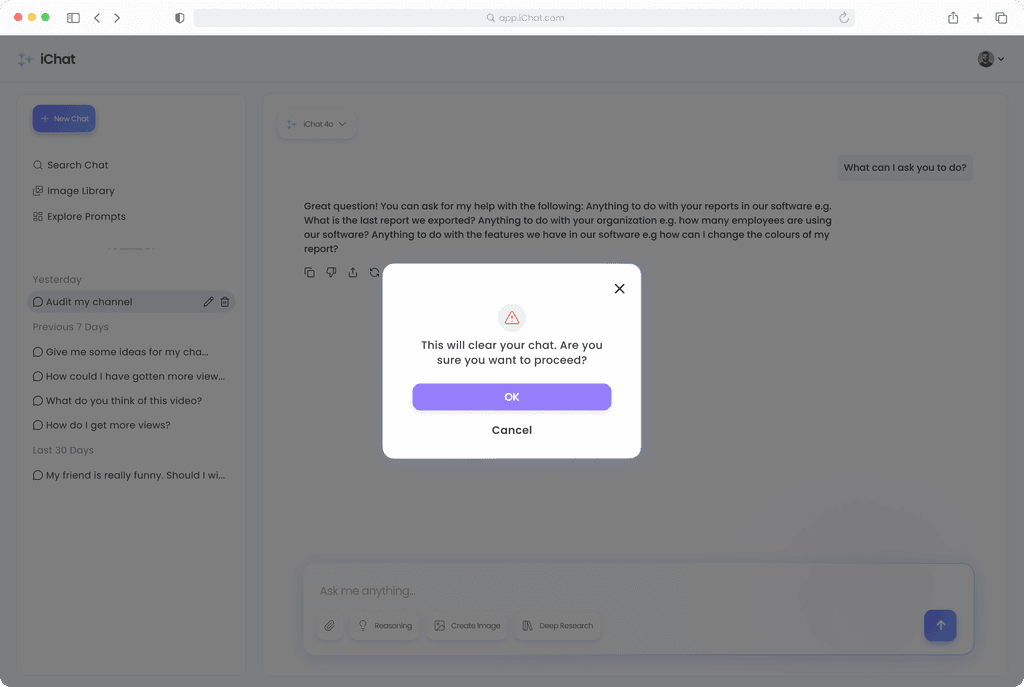
Delete / Rename Feature:
Users can easily manage their past chats by renaming or deleting them directly from the sidebar. When clicking Delete, a confirmation popup appears to prevent accidental deletions, ensuring a smooth and safe user experience.
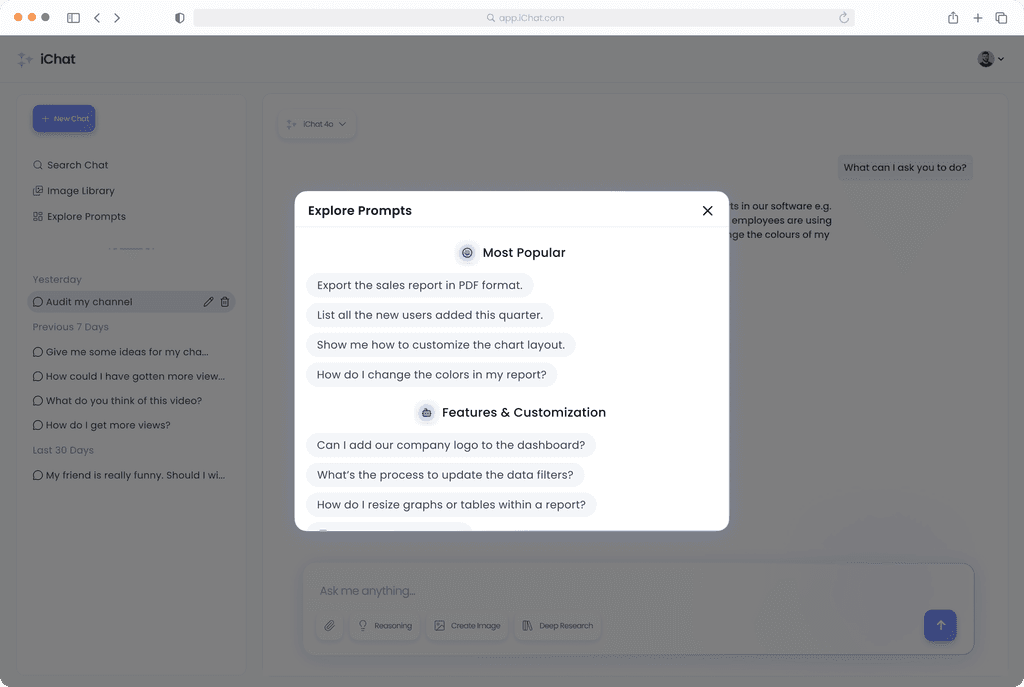
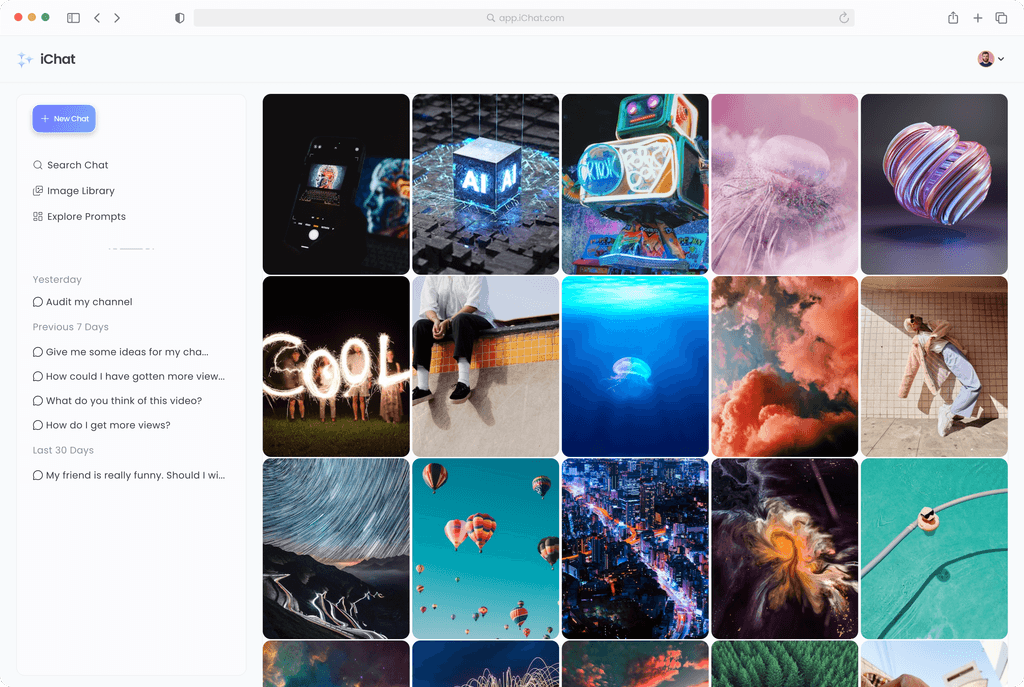
Explore Prompts & Image Library Features:
Users can quickly start conversations using pre-written prompts organized by category (e.g., "Most Popular," "Features & Customization"), making it easy to discover relevant questions without typing from scratch.
The Image Library displays a visual gallery of all previously generated or uploaded images, allowing users to easily browse, access, and reuse past visual content without searching through chat history.
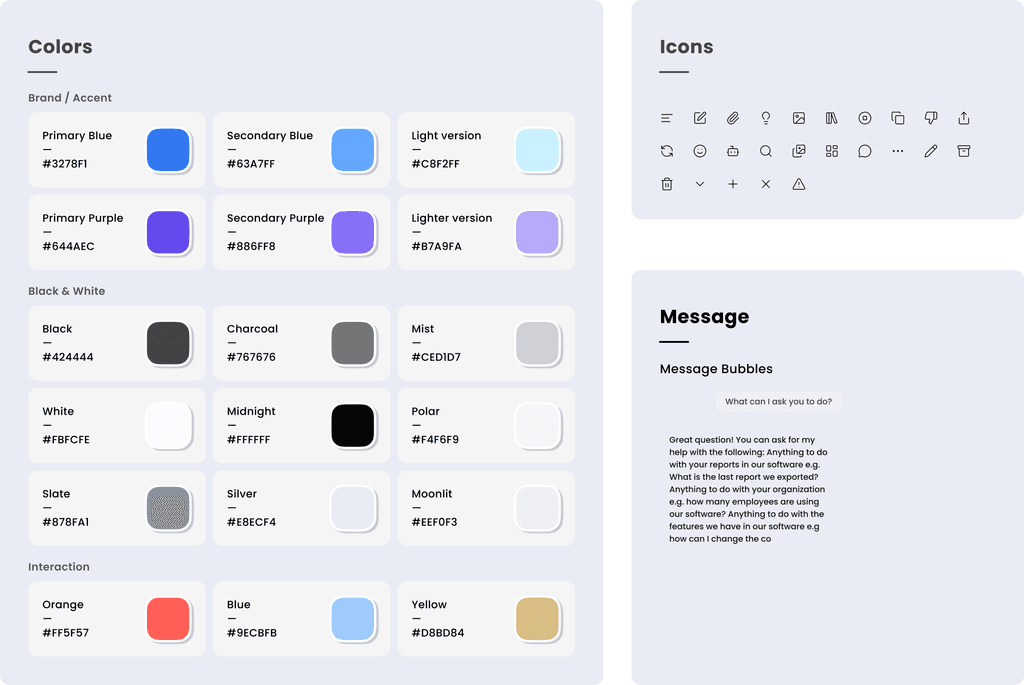
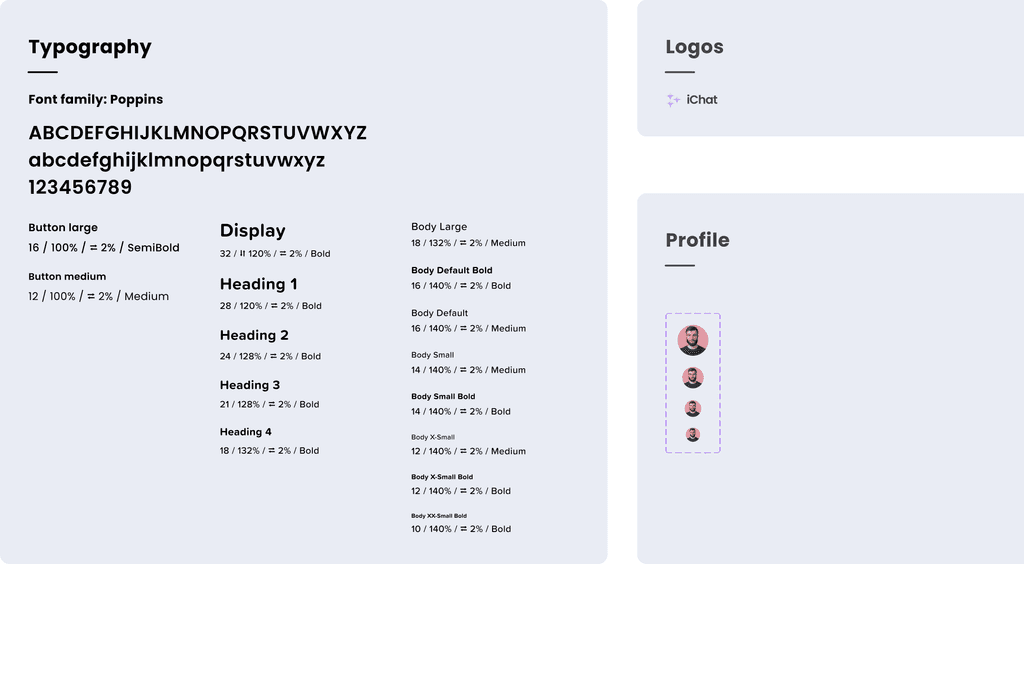
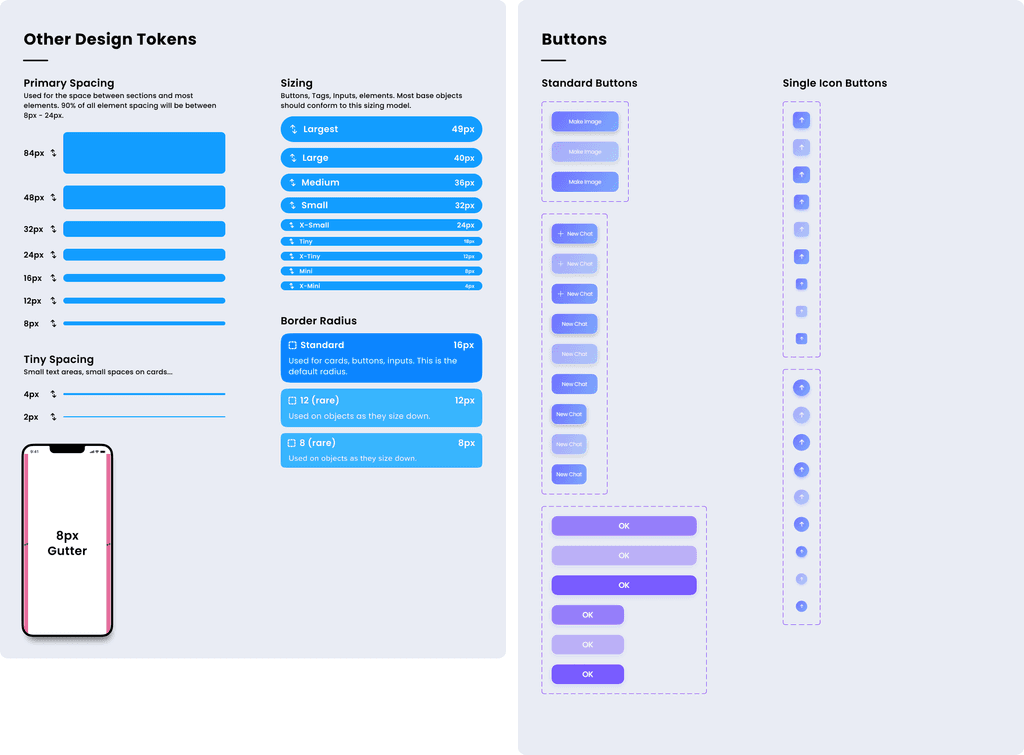
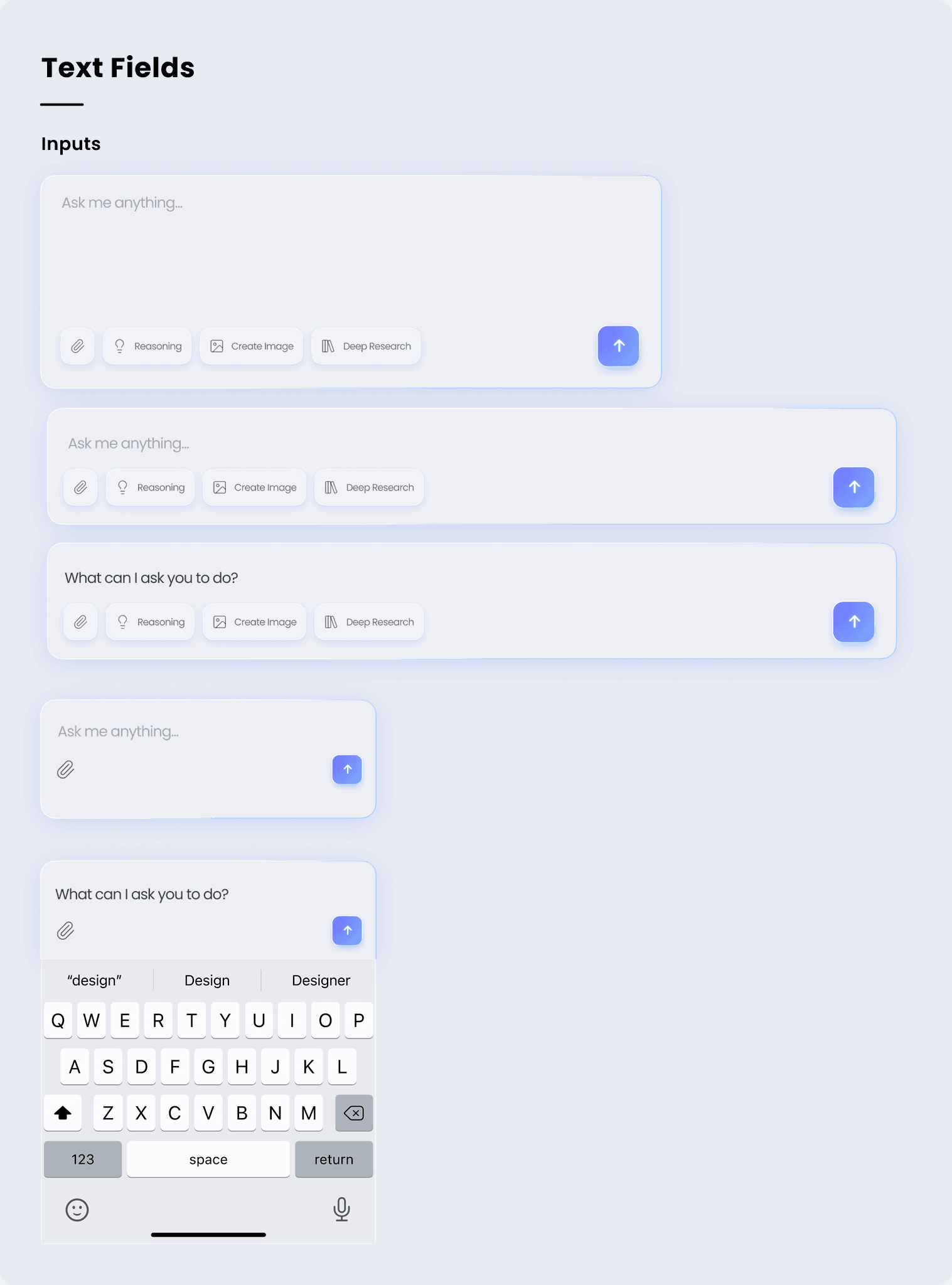
Creating a Design System:
A comprehensive system ensuring visual consistency and efficient collaboration across all product touchpoints.